
3. Streaming#
This section is about making the plotter finally move around and to make sure it does start from the right spot (with a drawing tool attached to it).
3.1. Launch Homing & Set Origin#

Preview of what comes next.#
Danger
From here on the plotter will start moving. Make sure the plotter bed is free from obstacles.
unlock with homing cycle? [y/n] (y):y> the plotter unlocks by moving the carriage slowly in negative X and Y direction until hitting the mechanical stop switches at the edge of the frame.
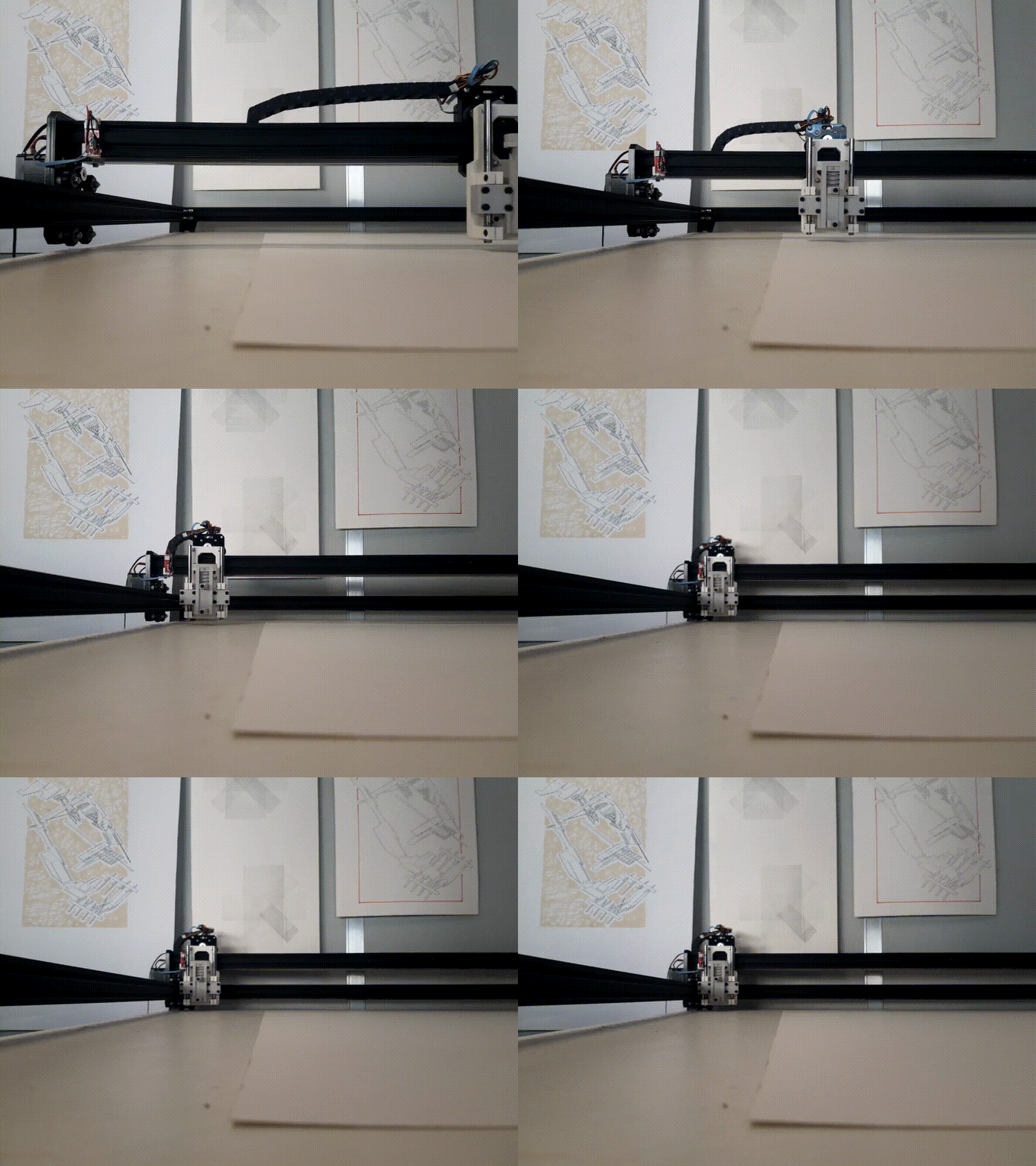
Homing cycle.#
move pen to origin (0,0,0)...manually move the carriage to the top left edge of the paper. Use the claw to set the correct height of the fixture and clamp a drawing tool with the help of the two screws. The edge of the tool touches the surface of the table. This will become the
origin (0,0,0)of the drawing space (here, A1 as defined in the file).
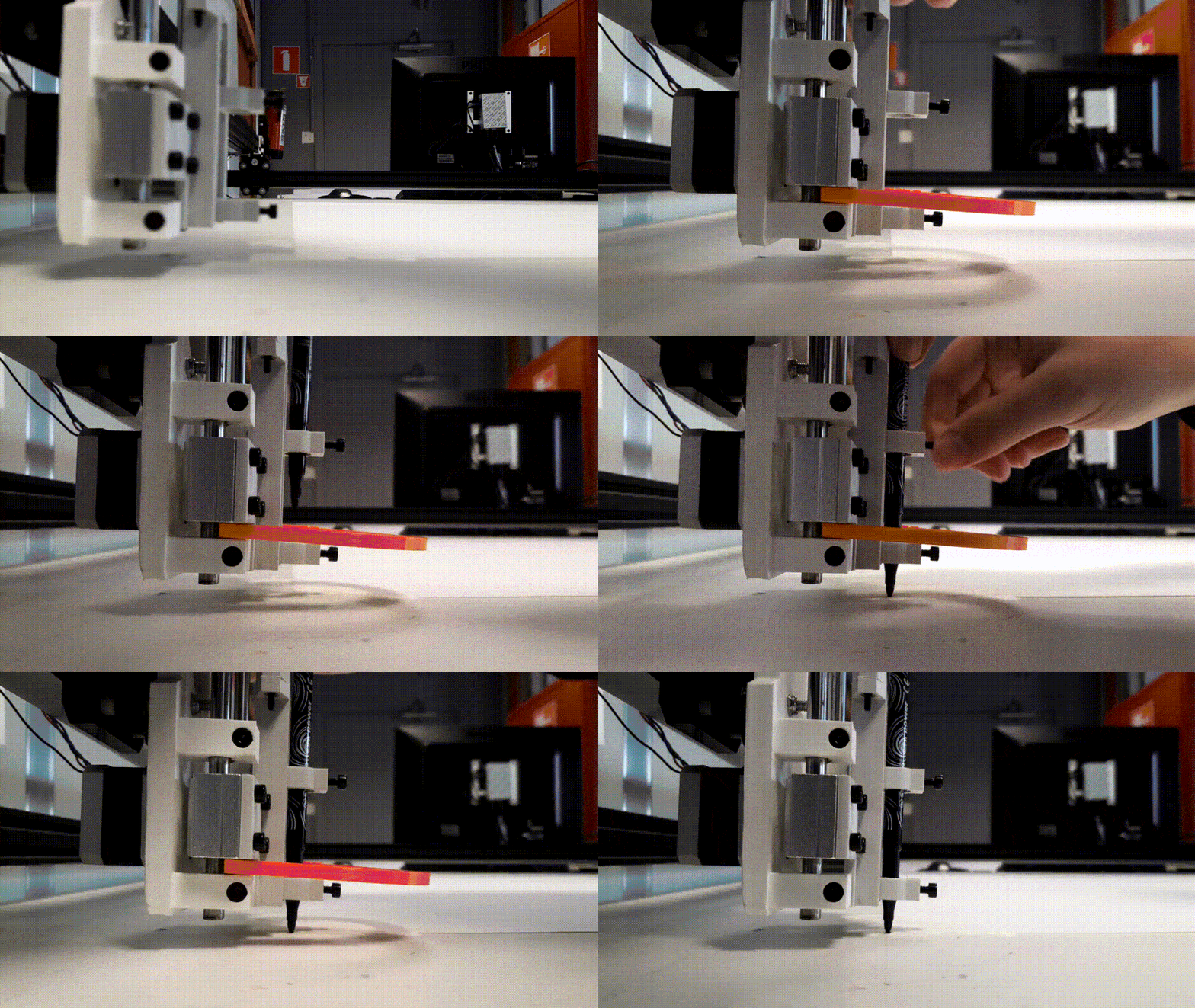
Drawing tool set up.#
Hint
When plotting drawings with several layer, this processes will be repeated for each layer (single SVG files). Make sure to leave a clear mark in order to position the drawing at exactly the same origin for each layer.
and enter speed value [min:1%/max:100%] (75):75> the maximum speed is hardcoded in the plotter. Chose a maximum speed percentage based on the drawing medium fixed to the carriage.
Danger
Make sure to remove the claw before proceeding.
After this point, the drawing will be streamed and to the plotter will start moving again (faster than during homing).
3.2. Stream Drawing to Plotter#
Error
STAY ALERT ! IF SOMETHING GOES WRONG HIT THE TINY RESET BUTTON ON THE CONTROLLER TO STOP THE MACHINE.
start plotting?y> start streaming the gcode file to the plotter.

You should see something like this and everything went well.#
What’s Next ?
You know now how to plot a single SVG file. The Chelonograph follows a simple principle: one SVG file = one drawing tool = one svg2plot session. The next step is to compose your drawings with several SVG files (each one a layer or a certain tool/stroke, etc.). Continue with the How-to Guide to learn the necessary steps to plot your multilayer SVG.